
Dat-inf Image Overlay
Introduction

Image Overlay is designed for the precise overlay of two images. Adjustable transparency makes it easy to identify differences in largely identical subjects quickly and clearly. With the automatic overlay function, alignment is completed within moments, and an additional intelligent difference function supports the targeted search for deviations.
Applications
Image overlays created with Image Overlay are ideal for searching digital images for differences or demonstrating similarities, for example in before-and-after comparisons, progress checks or quality inspection.
Image Overlay was originally developed for medical applications, especially to document changes over time. Wherever no specialized software is available and differences or changes need to be presented clearly, Image Overlay can be an efficient solution.
Functions and features
- Simple image comparison through overlay technology
- Before-and-after visualization with adjustable transparency
- Positioning assistant (rotation, shifting and enlargement/reduction are taken into account)
- Fully automatic overlay using modern image-processing algorithms
- Make deviations visible by calculating image differences
- Flexible adaptation to almost any image size
- Zoom for the original and overlay image
- Support for numerous image formats (BMP, JPEG, PNG, TIF and others)
Examples and screenshots
The following screenshots use 1-euro coins to demonstrate the key functions of the software. The Automatic overlay function was used for alignment.
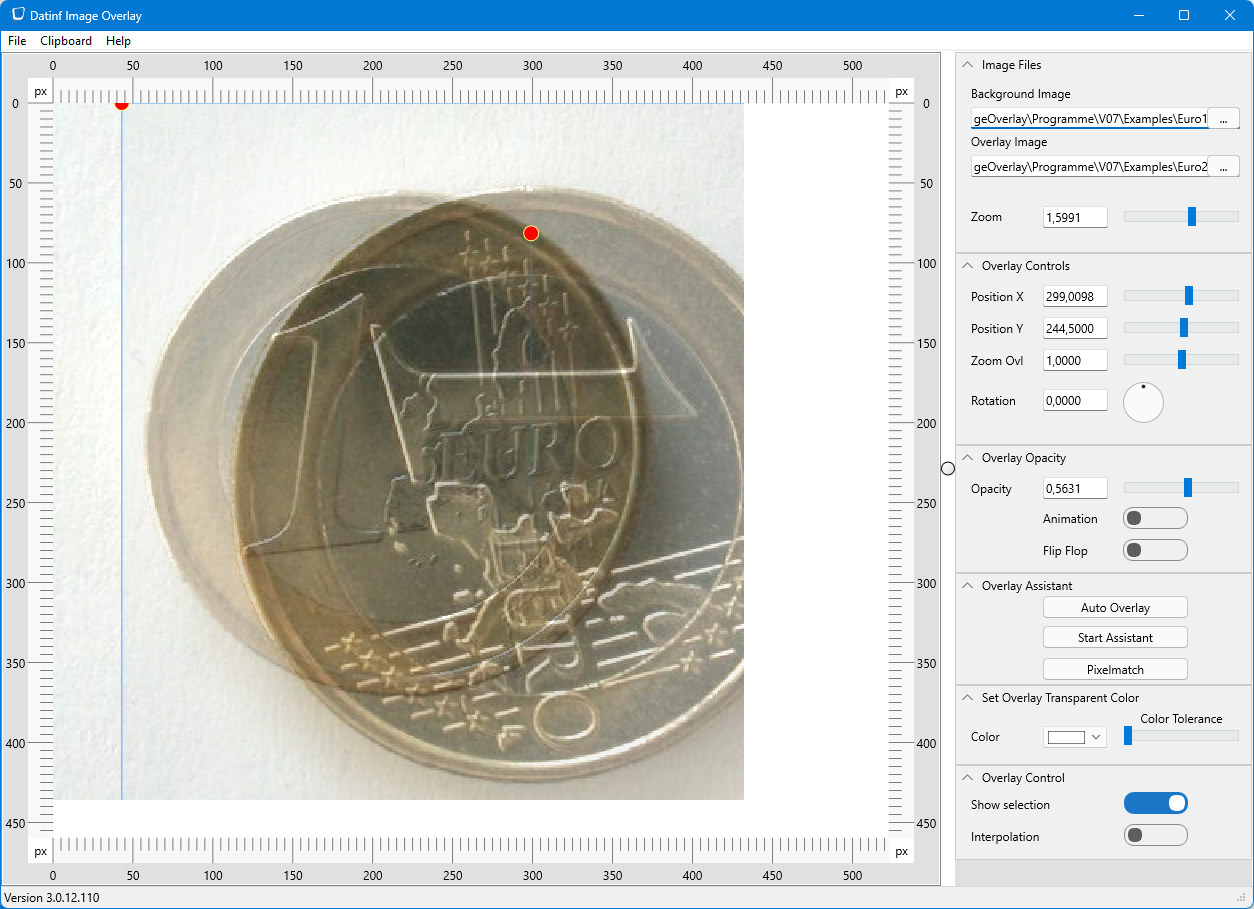
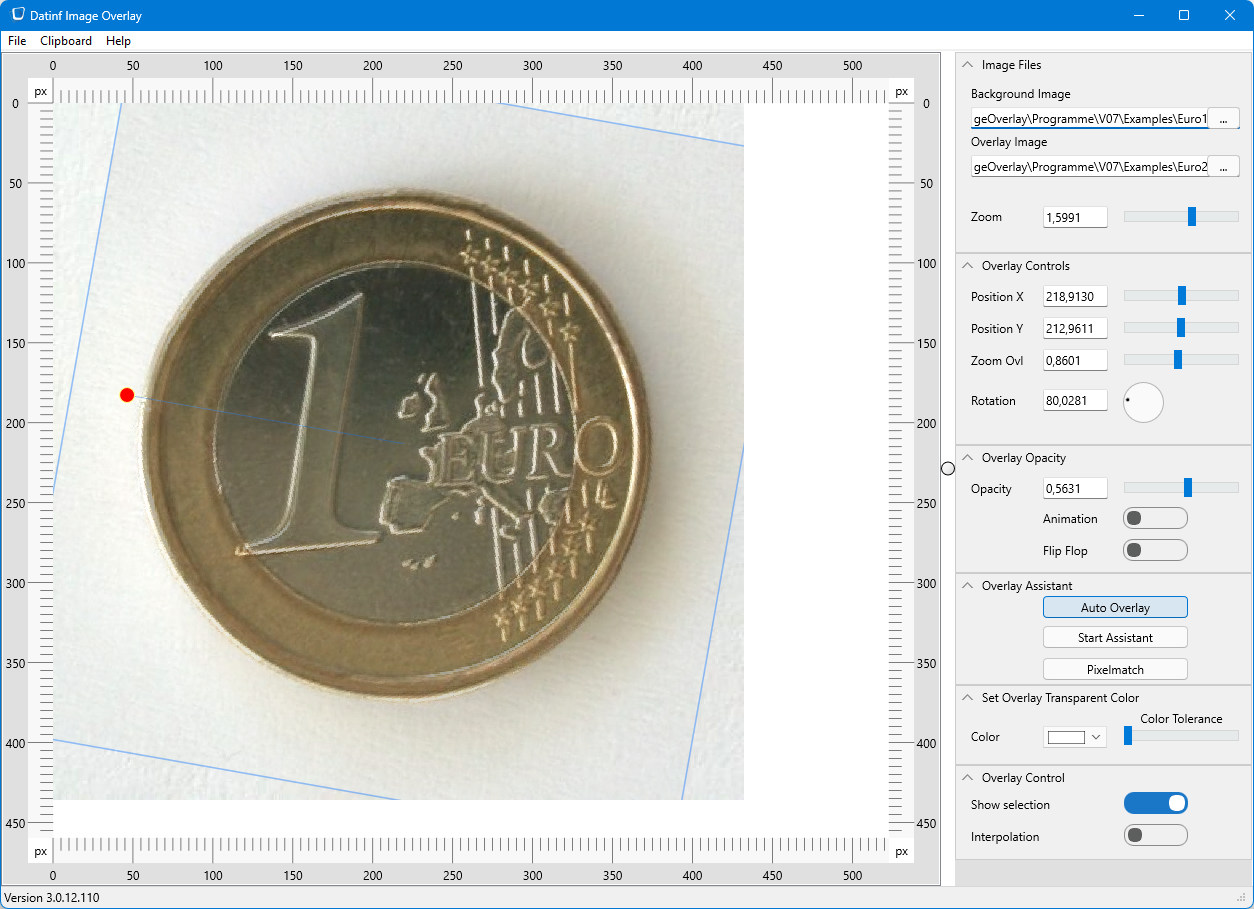
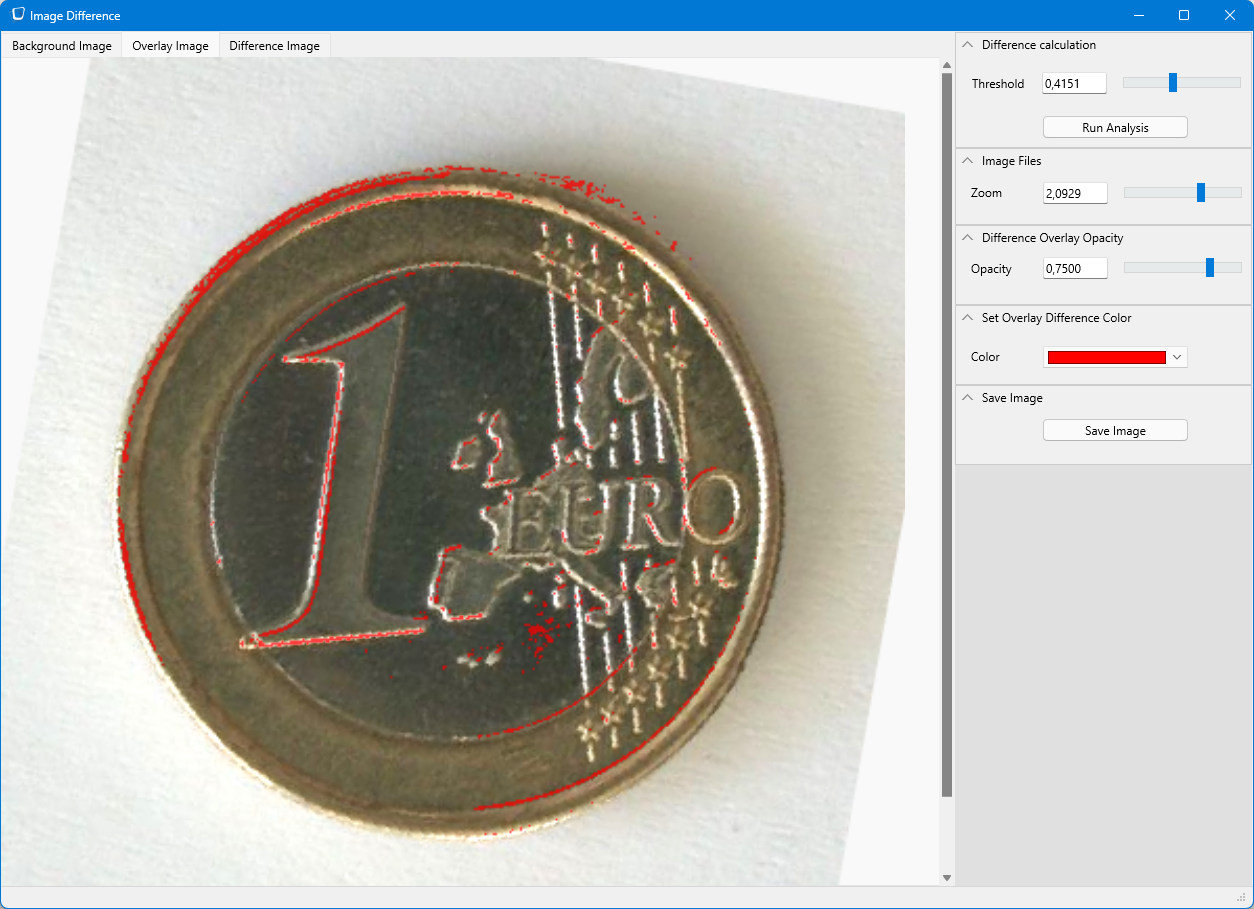
Note: The screenshots are in English, but the software is also available in a German version.
Ordering and contact
Image Overlay can be ordered in different ways:
-
Online order (coming soon)
Image Overlay cannot yet be ordered directly online. Please contact our support team to discuss your requirements.
-
Order by email
Public authorities, public institutions and large companies can order software licenses by email. The price is identical to the online price.