

Online tools for image analysis and technical tasks directly in the browser
Test, compare and evaluate quickly – without installation
On this page, you will find a selection of online tools that can be used directly in the browser. These tools are suitable for image analysis, visualization, technical calculations and initial practical tests around camera-based software solutions. Many functions run locally in the browser, so results become visible quickly and, depending on the tool, data does not have to be transferred to a server.
The tools are intentionally diverse: some help with understanding color spaces or image metrics, others serve as compact helpers for a specific task. At the same time, they show how machine vision, visualization and web technology can be combined sensibly.
Tools for image analysis and visualization
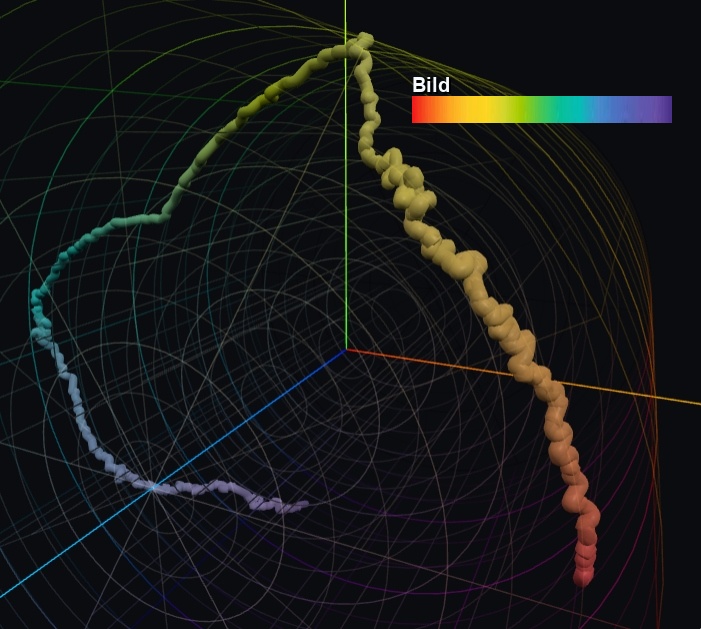
3D color-space path – display color gradients as a spatial curve
This tool visualizes color gradients from an image as a 3D curve in freely selectable color spaces. To do so, averaged color values are calculated along an axis and then transformed into a 3D color space. This is especially interesting when color changes should be compared and interpreted not only numerically, but also geometrically.
The tool is suitable for laboratory applications, tests with color transitions and for evaluating whether alternative color spaces such as HSV, Lab or OKLab support the analysis better than RGB.
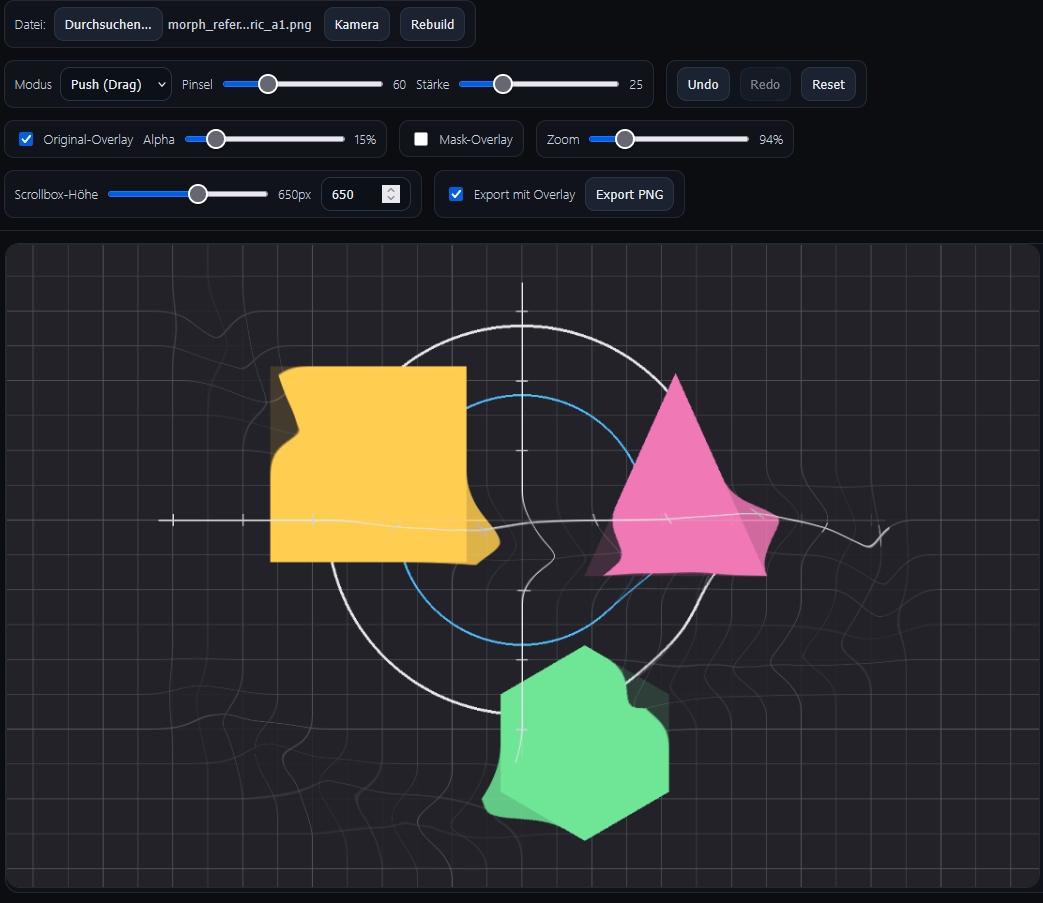
Morphing and liquify for images
With this browser tool, image areas can be distorted, moved or retouched in a targeted way. The changes can be checked directly, for example by overlaying them with the original image. This is useful for demonstrations, visual experiments or preparatory editing in the browser.
Thanks to the direct interaction, the tool is also well suited for quickly testing workflows for later specialist software and making them visually understandable.
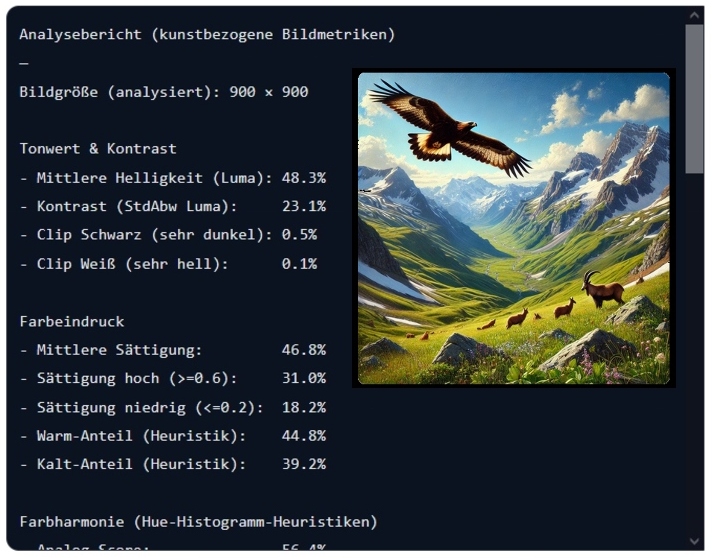
Automatic image analysis for artworks and image composition
This application analyzes an uploaded image locally in the browser and calculates formal image metrics such as contrast, saturation, dominant colors, symmetry, balance, edge structures and focus areas. The result is output as a text report and via color swatches.
The tool demonstrates how surprisingly deep image-content evaluation can already be realized in the browser even without server-side installation.
Tools for specific technical tasks
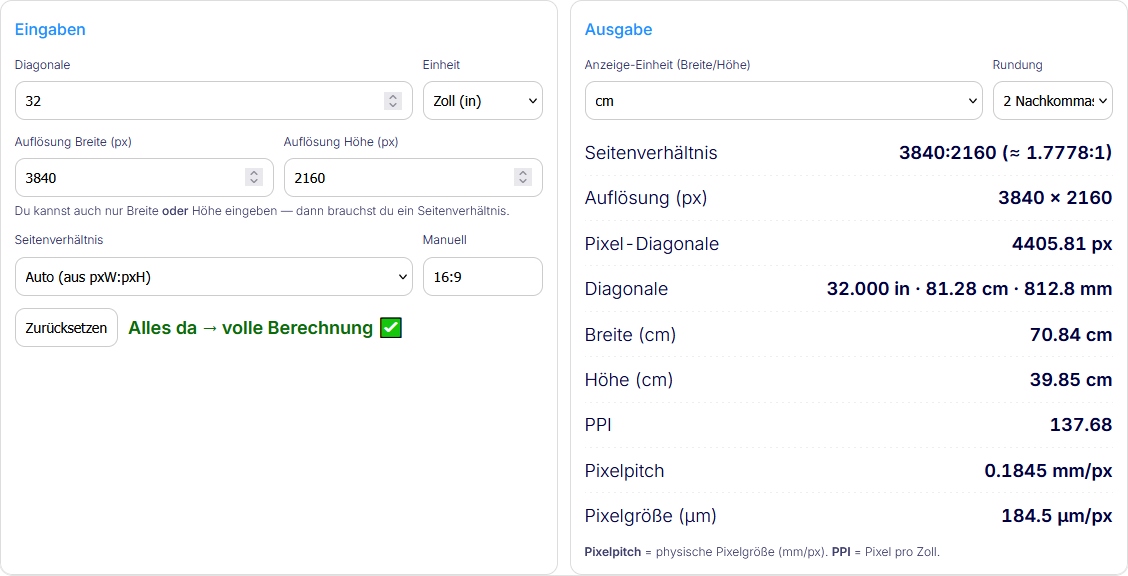
Screen calculator for dimensions, resolution and pixel density
The screen calculator calculates the visible width and height of a display from its diagonal and aspect ratio. Resolution and pixel density can optionally be included to compare monitors, displays or projections more effectively.
The tool is particularly practical when screen sizes, display areas or PPI values need to be determined quickly and transparently.
AI Counter Demo – count objects directly in the browser
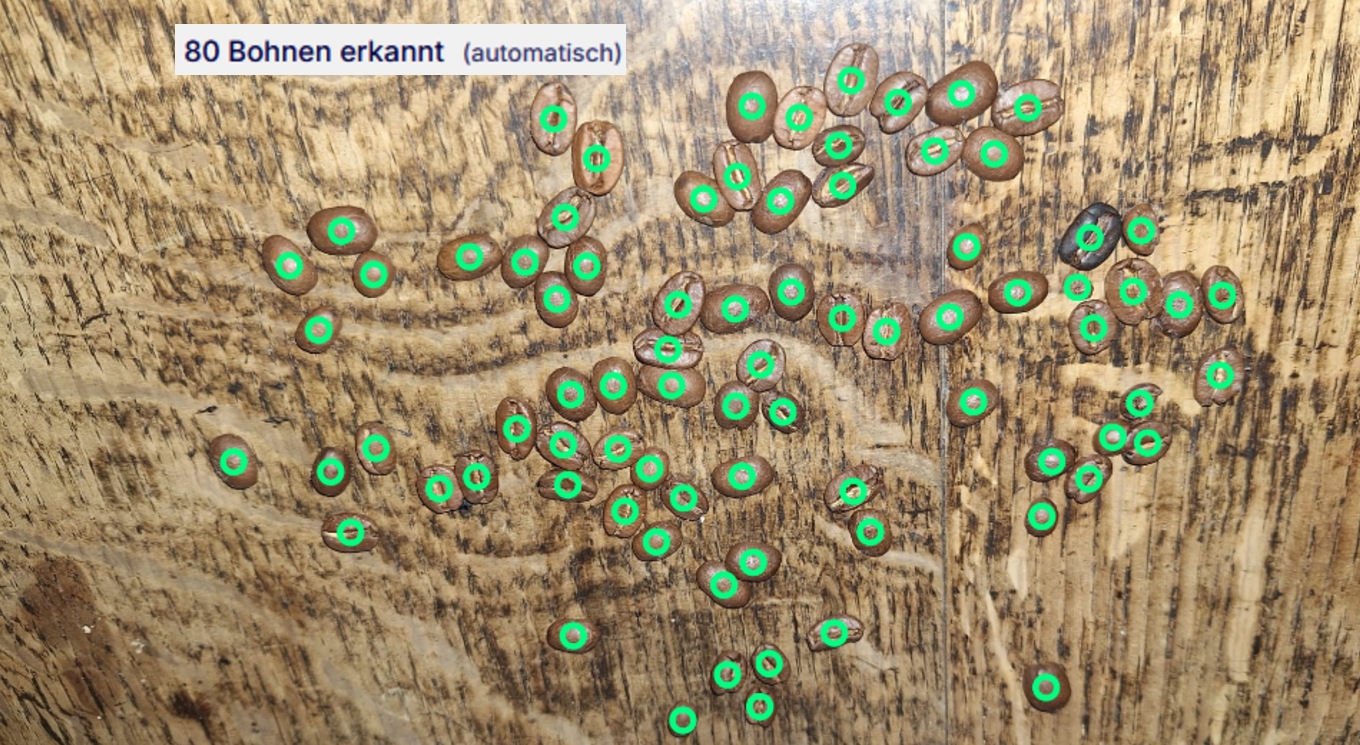
The AI Counter Demo shows how AI-based detection can be used directly in the browser. In the demo, coffee beans are counted automatically and the results are marked visually. Depending on the use case, an image can be loaded or the camera can be used.
- local processing in the browser without classic server upload
- fast visual feedback
- a good introduction to AI-supported image analysis
What these online tools show
The browser applications on this page are not just small helpers, but also practical examples of how machine vision, visualization and interaction can be implemented for real tasks. They can serve as a test environment, demonstrator or inspiration for custom tools.
If an idea or demonstrator is to become a reliable specialist application, we support you with a feasibility study, implementation and the development of custom software.
Selection guide: which tool fits which task?
- Compare color gradients and color spaces: 3D color-space path
- Distort and edit images visually: Morphing / Liquify
- Analyze image metrics and composition: Automatic image analysis
- Calculate screen dimensions and PPI: Screen calculator
- Count objects automatically: AI Counter Demo
If you need a robust solution tailored to your task instead of an online tool, you will find suitable starting points on the solutions page for measurement systems, quality inspection, color inspection and 3D machine vision.
Frequently asked questions about our online tools
Do I need to install anything for these tools?
No. The tools are designed so they can be used directly in the browser. Depending on the tool, a large part of the processing runs locally on your device.
Are the online tools just demos?
Some are demonstrators, while others are productive small helper tools. In any case, they show concrete functions that can be transferred into more extensive applications if needed.
Can such browser tools lead to custom applications?
Yes. Many custom projects start precisely with a compact demonstration or a feasibility study. From there, robust specialist applications can be developed for browsers, desktops or integrated systems.